
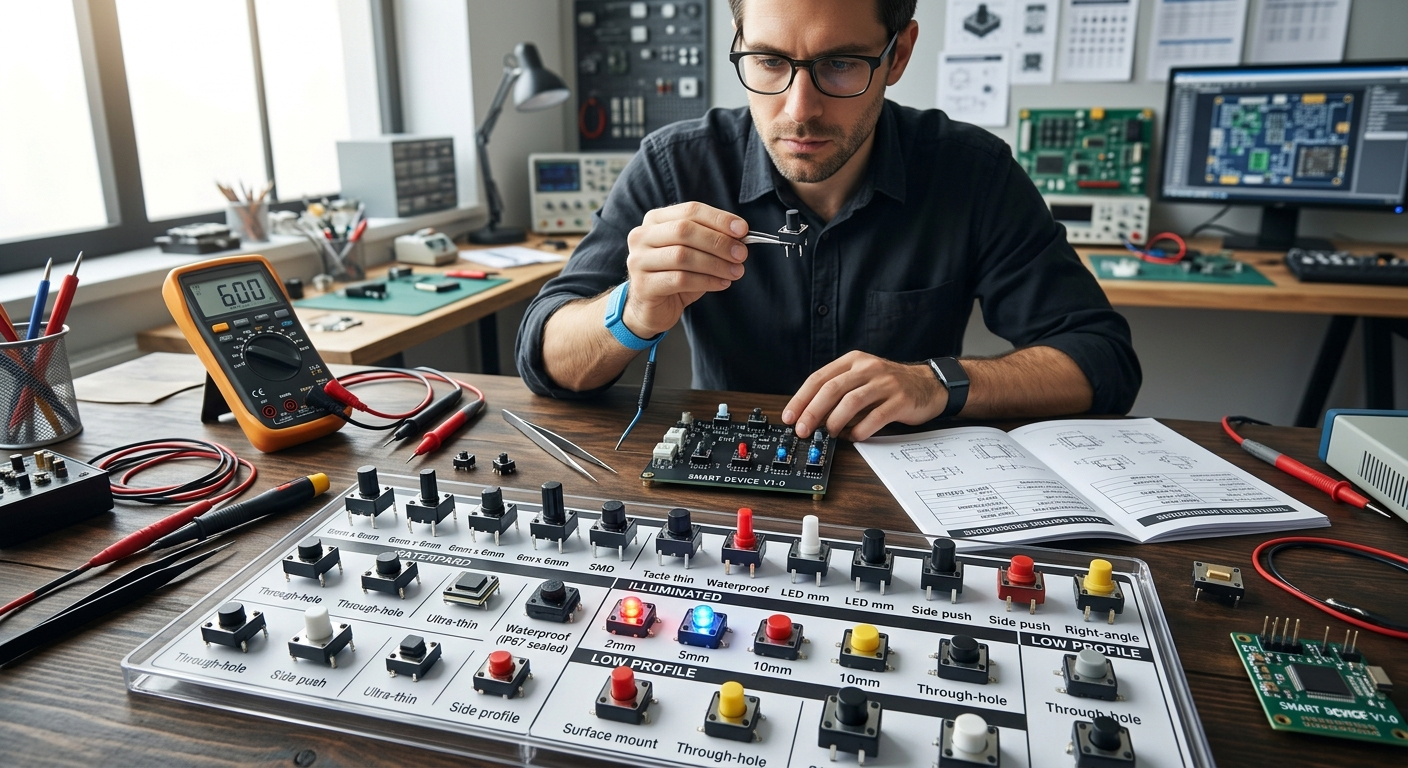
More Than Just a Button: A Comprehensive Guide to Selecting the Right Tactile Switch for Your Product
In the realm of hardware engineering, the Tactile Switch (Tact Switch) is the most critical component of the Human-Machine Interface (HMI). While its principle—deforming an internal Metal Dome to close a circuit—seems straightforward, the choice of switch often defines the "perceived quality" and "service life" of the device. This article provides an in-depth analysis of tactile switch classifications, technical parameters, and selection strategies to help you build superior hardware.
1. Classification by Structure and PCB Mounting: The Foundation of Physical Strength
The mounting style directly impacts the PCBA (Printed Circuit Board Assembly) process and the mechanical stability of the final product.
■ DIP / Through-hole: The Choice for High-Strength Environments
DIP switches have pins that pass through PCB holes and are soldered on the opposite side. This provides exceptional mechanical anchoring. In industrial control systems or large appliances that face frequent force or vibration, DIP mounting ensures the switch remains secure over years of heavy use.
■ SMT / SMD: The Standard for Miniaturization
With the rise of smartphones, TWS earbuds, and wearables, SMT Tactile Switches have become the industry standard. Their tiny footprints (e.g., 2x3mm or 3x4mm) support high-speed automated pick-and-place assembly, making them ideal for ultra-compact designs.
■ Side-actuated: Balancing Lateral Forces
When the actuation direction is parallel to the PCB, side-actuated switches enable edge-mounted controls (like volume buttons). When selecting these, pay close attention to the strength of the reinforcing tabs to prevent pad peeling from repeated lateral stress.
2. Classification by Protection Rating and Reliability: Surviving Harsh Environments
Depending on the operating environment, tactile switches must be engineered with specific protective technologies.
■ Waterproof and Dustproof (IP67+ Rating)
By using sealed silicon membranes and ultrasonic welding, waterproof switches isolate contact points from moisture and particulates. These are widely used in outdoor handheld devices, electric toothbrushes, and kitchen appliances to prevent oxidation or short-circuiting.
■ Anti-static Design (ESD Protection)
Switches with integrated Ground Pins rapidly discharge static electricity (ESD) generated by the human touch. This protects the backend Microcontroller (MCU) or sensitive ICs from high-voltage damage—a critical requirement for medical instruments and precision measurement tools.
3. Classification by Tactile Feel and Specs: Defining the User Experience
For Product Managers and Industrial Designers, the "click feeling" is a core part of the brand experience.
■ Operating Force (gf) and Actuation Travel
Operating force is measured in grams-force (gf), with standards such as 160gf or 250gf. Travel determines how quickly the switch triggers. Short travel (0.15mm–0.25mm) is suited for rapid response, while longer travel provides a more definitive tactile confirmation.
■ Long Life-cycle and Silent Actuation
While consumer-grade switches last about 100,000 cycles, long-life tactile switches utilize optimized alloy domes to reach 1 million or even 5 million cycles. Soft-feeling (Silent) versions use rubber plungers instead of metal-to-metal contact to reduce the "click" sound, ideal for premium automotive interiors.
4. Critical Technical Selection Criteria
When evaluating B2B procurement or engineering samples, strictly monitor these indicators:
-
Contact Resistance: High-quality switches should remain stable below 100mΩto ensure signal integrity.
-
Rated Current/Voltage: Typically DC 12V 50mA. Even though they are used for signal triggering, ensure the electrical specs prevent contact arcing.
-
Material Grade: LCP plastic housings are preferred for Reflow Soldering heat resistance, while silver or gold-plated contacts are essential for anti-oxidation.
Technical Q&A: Tactile Switches vs. Micro Switches
Q1: How do I distinguish between a Tactile Switch and a Micro Switch?
A: Tactile switches are smaller, simpler, and have a very short travel, designed for low-current signal triggering. Micro switches feature a complex lever mechanism and larger internal gaps, allowing them to handle much higher currents (several Amperes) and function as physical limit sensors.
Q2: Why does my switch feel "stiff" or fail after soldering?
A: This usually relates to soldering temperature or dwell time. If non-high-temp materials are used, internal plastic parts may warp. Also, excessive flux migration into the switch can cause contact failure. Opting for sealed (washable) models can prevent this.
Q3: How do Illuminated Tactile Switches save PCB space?
A: By integrating the LED directly within the switch housing, these components eliminate the need for a separate indicator light on the PCB. This simplifies the PCB Layout and allows the button itself to function as a status indicator.