
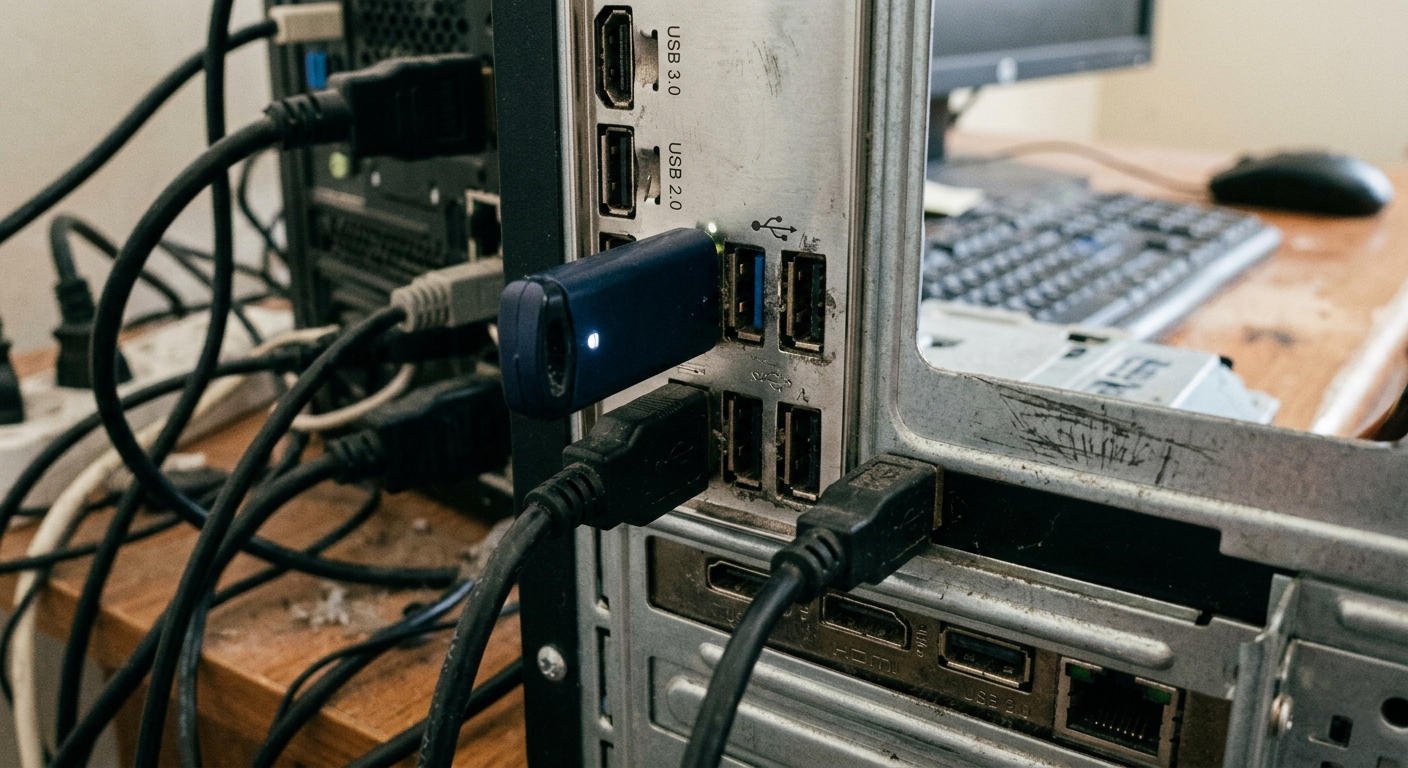
The Eternal "Schrödinger’s Interface": The Legacy and Resilience of USB Type-A Connectors
If one piece of technology could define the digital lifestyle of the past three decades, it wouldn’t be a specific smartphone, but that rectangular port you can never seem to plug in correctly on the first try—USB Type-A. Since its debut in 1996, USB Type-A (hereafter Type-A) has evolved from an experimental concept to solve "cable clutter" into the universal language of billions of devices worldwide. Even in the era of USB-C dominance, Type-A remains a resilient fixture in industrial computers, automotive systems, and server architectures.
1. The Chaos Terminator: The Genesis of USB-A
Before the advent of USB, connecting computer peripherals was an engineering nightmare. Users and engineers had to navigate a labyrinth of incompatible physical interfaces.
■ The Era of Port Fragmentation In the mid-1990s, keyboards relied on PS/2, modems used Serial Ports, and printers occupied the bulky Parallel Port. In 1996, the USB Implementers Forum (USB-IF), led by Intel, Microsoft, and IBM, launched the USB 1.0 specification. The goal was simple: "One Port to Rule Them All."
■ The "Host Side Stability" Philosophy The design intent for Type-A was straightforward: keep the host-side (PC/Laptop) interface consistent. This "downstream control" architecture ensured that as technology advanced, users didn't need to replace their entire computer; they only needed new peripherals. This laid the foundation for USB's thirty-year reign.
2. Technical Evolution: The Secrets Behind the Colors
Type-A’s most lauded trait is its Backward Compatibility. While the external form factor has remained nearly unchanged, its internal transmission efficiency and material engineering have undergone several revolutions.
■ From White to Red: The Speed Race
White (USB 1.1): Rated at 12 Mbps, sufficient for early mice and keyboards.
Black (USB 2.0): Jumped to 480 Mbps, becoming the mainstream standard for flash drives and printers.
Blue (USB 3.0 / 3.1 Gen 1): Introduced five additional pins to achieve 5 Gbps with full-duplex transmission.
Teal/Red (USB 3.1 Gen 2 / 3.2): Pushing speeds up to 10 Gbps and beyond, the core for high-end docking stations and external SSDs.
■ Power Delivery and Sleep-and-Charge (Yellow/Orange) Yellow or orange ports typically indicate "High Current Output" or support for "Sleep-and-Charge" capabilities. In B2B Industrial PC selection, this is a critical metric for evaluating host power supply capacity.
3. Structural Resilience: Why Type-A Still Matters in the USB-C Era
Despite USB-C being smaller and reversible, Type-A maintains a stronghold in B2B and Industrial applications due to its inherent technical advantages.
■ Superior Physical Durability The rectangular metal shell and larger PCB soldering area provide Type-A with exceptional torsional resistance and a high mating cycle life. Compared to the more delicate USB-C, Type-A withstands physical impact and frequent handling much better, making it ideal for automation equipment and embedded systems.
■ Massive Legacy Market and Cost Efficiency With billions of legacy flash drives and wireless receivers globally, the transition cost is immense. For budget-sensitive consumer electronics, the material and assembly costs (SMT/DIP) of Type-A connectors are significantly lower than those of the complex USB-C, ensuring its longevity in entry-level markets.
Technical Q&A: Addressing Common USB Type-A Challenges
Q1: Why does it famously take three attempts to plug in a USB Type-A?
A: This stems from its "single-sided contact" design. Inventor Ajay Bhatt revealed that this was a cost-saving measure to reduce pins and wiring by half during early development. While it created the "Schrödinger’s Probability" meme, it lowered the barrier to hardware adoption significantly.
Q2: How does a USB 3.0 Type-A port maintain compatibility with 2.0?
A: Beyond the original four pins (VCC, D-, D+, GND), USB 3.0 adds five additional contacts (TX+/TX-, RX+/RX-, GND) deeper within the interface. This "layered" design allows older 2.0 cables to connect normally while providing 5 Gbps+ bandwidth for newer 3.0 devices.
Q3: Should I choose DIP or SMT Type-A connectors for industrial environments?
A: DIP (Through-hole) is highly recommended. Because industrial environments often involve vibration and rough handling, the pins passing through the PCB offer much higher Peel Strength than SMT pads, effectively extending the equipment's lifespan.