
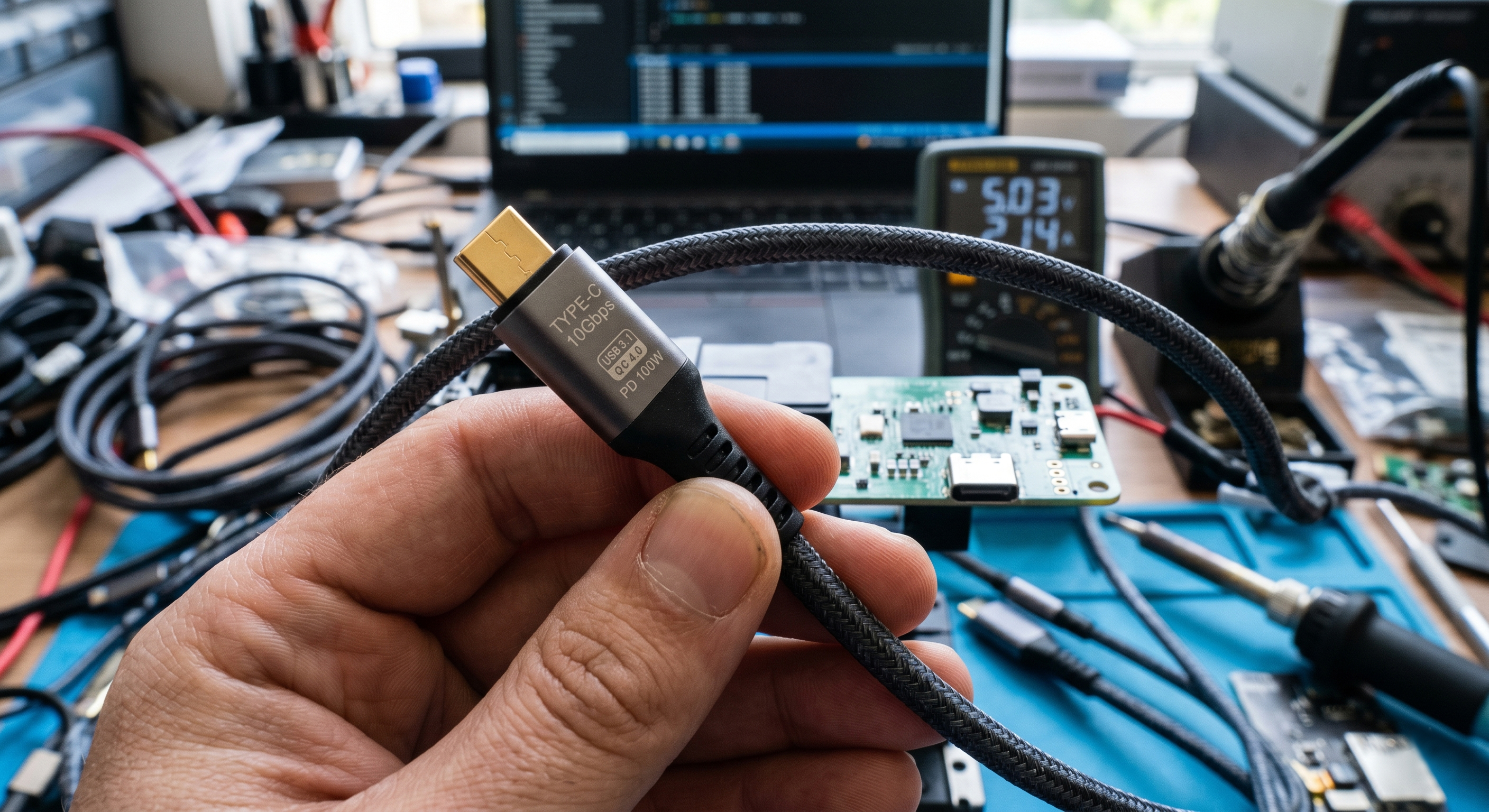
Stop Judging by the Look! A 3-Minute Guide to Selecting High-Quality Type-C Connectors and Cables
When walking into an electronics store or browsing e-commerce platforms, you'll find countless USB Type-C cables with prices ranging from $1.50 to over $30. While they may look nearly identical on the outside, the internal technical specifications vary drastically. Choosing the wrong one can result in agonizingly slow charging speeds or, in worse cases, permanent damage to your expensive laptop or smartphone. These three core indicators will help you identify high-quality USB-C connectors from an engineering perspective.
1. Look for the "E-Marker" Chip: The Safety Fuse for High Power
Not all Type-C cables are capable of carrying 100W or higher power levels. The defining factor is the presence of an E-Marker (Electronic Marked) chip within the connector.
■ Why is it mandatory for power over 60W?
According to USB-IF standards, any cable requiring more than 3A (over 60W) must include an E-Marker chip. This chip acts as a communication hub between the charger and the device, declaring the cable’s capacity—such as 5A/100W or the new 240W EPR standard.
■ Selection Tip: Check for the 5A Mark
Always verify if the packaging mentions 100W, 240W, or 5A. Without this chip, even if you use a 140W PD charger, the system will cap the current at 3A (60W) for safety reasons.
2. Protocols and Bandwidth: Don't Let the Shape Fool Your Data Speed
Type-C is merely a "physical form factor"; the underlying protocol determines the actual data throughput.
■ Identifying the "SS" Logo and Color Codes
USB 2.0 (480Mbps): Most budget charging cables only support this, taking over 30 minutes to transfer a 10GB video. The internal plastic core is typically black or white.
USB 3.2 / USB4 (10Gbps - 40Gbps): Look for the "SS" (SuperSpeed) logo or numbers like 10/20/40. These ports usually feature a teal or blue core and support all 24-Pin signal capabilities.
■ Pro Tip: If you need to connect external SSDs or project to a 4K monitor, ensure your connector supports DP Alt Mode and at least USB 3.2 Gen2.
3. Construction and Craftsmanship: The Soul of Durability
A premium connector's value is hidden in manufacturing details that ensure long-term reliability.
■ Deep-draw Seamless Shell
High-quality USB-C heads should be made of a single-piece, "deep-drawn" stainless steel shell. Unlike cheaper "seamed" shells (made by rolling and welding metal), the seamless design offers superior torsional strength, allowing for a lifespan of over 10,000 mating cycles.
■ Gold Plating Thickness and Contact Quality
The thickness of the gold plating on the Pins directly impacts conductivity and oxidation resistance. Professional-grade connectors usually require 15u" or 30u" gold plating to maintain low contact resistance and reduce heat.
■ Shielding Layers and EMI Protection
Quality cables feature dual-layer shielding (aluminum foil + braided mesh). Budget cables often omit this, leading to significant EMI (Electromagnetic Interference) that can disrupt your 2.4GHz Wi-Fi or Bluetooth signals during use.
Quick Selection Guide by Application
|
Scenario |
Recommended Technical Specs |
Mandatory Markings |
|
Phone Charging Only |
USB 2.0 / 60W |
3A Rating |
|
Laptop/Tablet Productivity |
USB 3.2 / 100W |
E-Marker (5A), PD 3.0 |
|
Video Creation & Gaming |
USB4 / Thunderbolt 4 |
40Gbps, 240W (EPR) |
Note:
When it comes to cables, "cheap" is often the most expensive choice. A low-quality connector can cause pin short-circuits, leading to catastrophic motherboard failure. Choosing USB-IF certified products is the most effective way to protect your digital assets.